01
Pick prints
Every card is built from js/products.js. Change that list and the grid updates. Set a quantity, then add to cart.
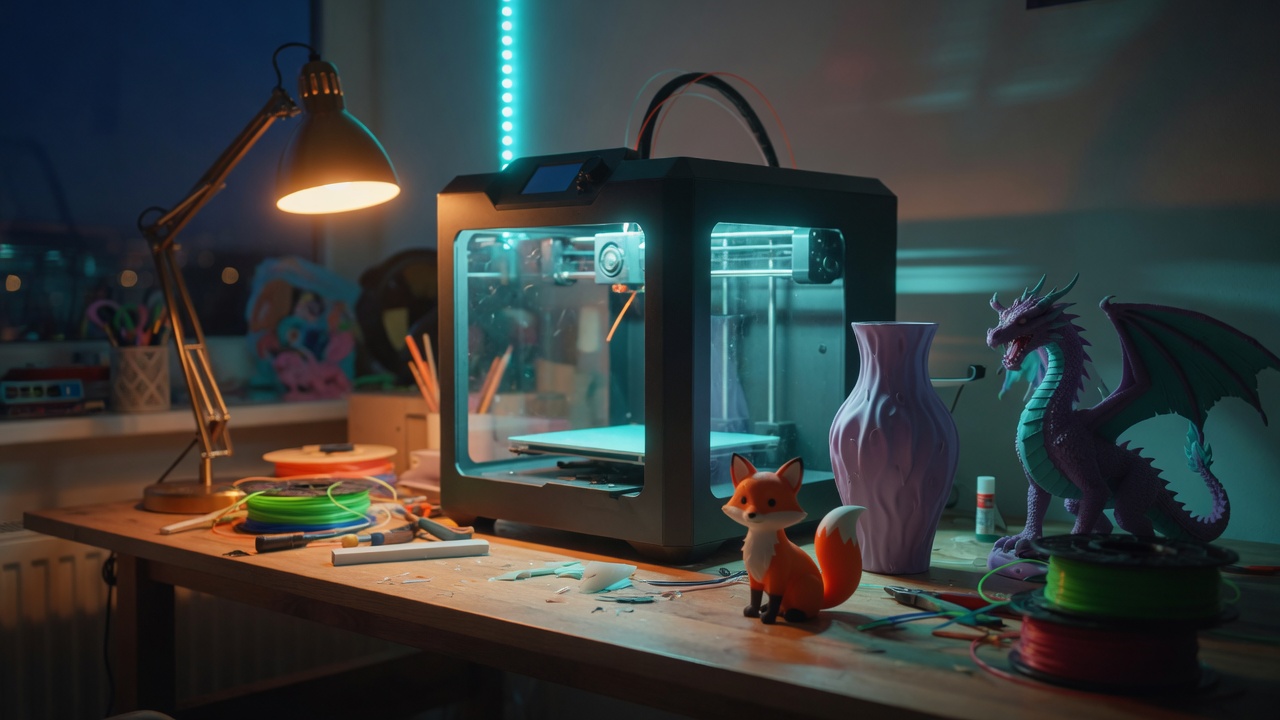
Small-batch FDM prints
Twenty sample prints you can add to a cart. Checkout writes the order into an email — no account, no payment processor, no mystery backend.
This shop is three files talking to each other: HTML for structure, CSS for looks, JavaScript for the cart and the email.
Every card is built from js/products.js. Change that list and the grid updates. Set a quantity, then add to cart.
The cart lives in your browser's localStorage, so a refresh does not wipe it. Plus and minus change quantities.
Checkout builds a plain-text summary and opens your email app (or Formspree, if you add a form id in js/config.js).
Filter by category or type a word. Click a photo for details. Adding a brand-new item is documented in js/products.js and in LEARN.md.
No prints match that search. Try another word, or click All.
At checkout there is a box called Custom print request. Describe the object, size, and color. It rides along in the same email as the cart so the shop can quote you back.
Typical useful details: dimensions, color, whether it should be solid or flexible, and a photo or STL filename if you have one.
Pickup is free. Shipping is a flat $8.00 added at checkout. Change that number in js/config.js (shippingFee).